

Products Description
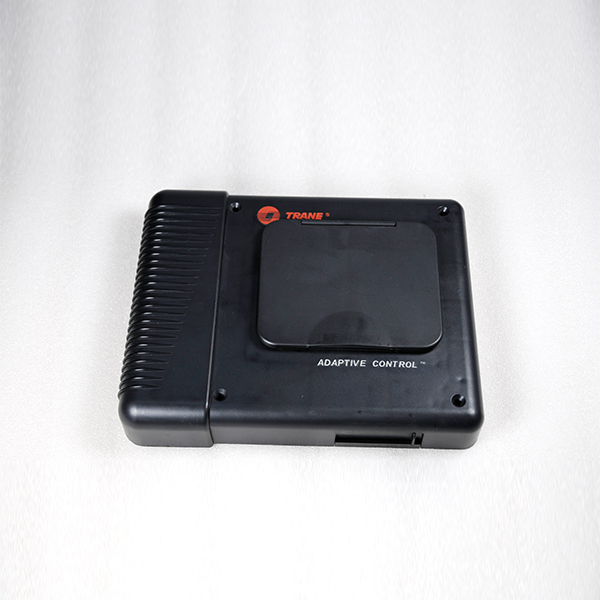
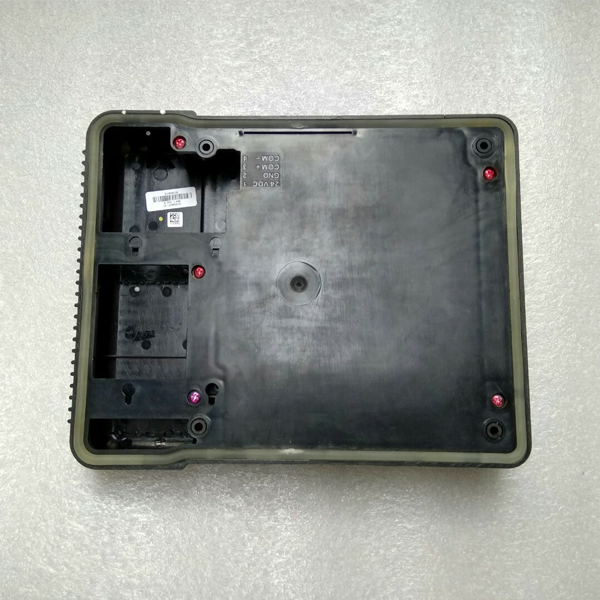
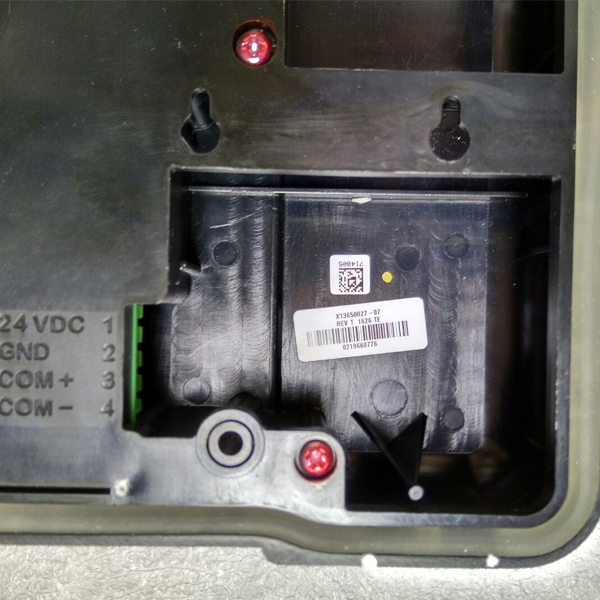
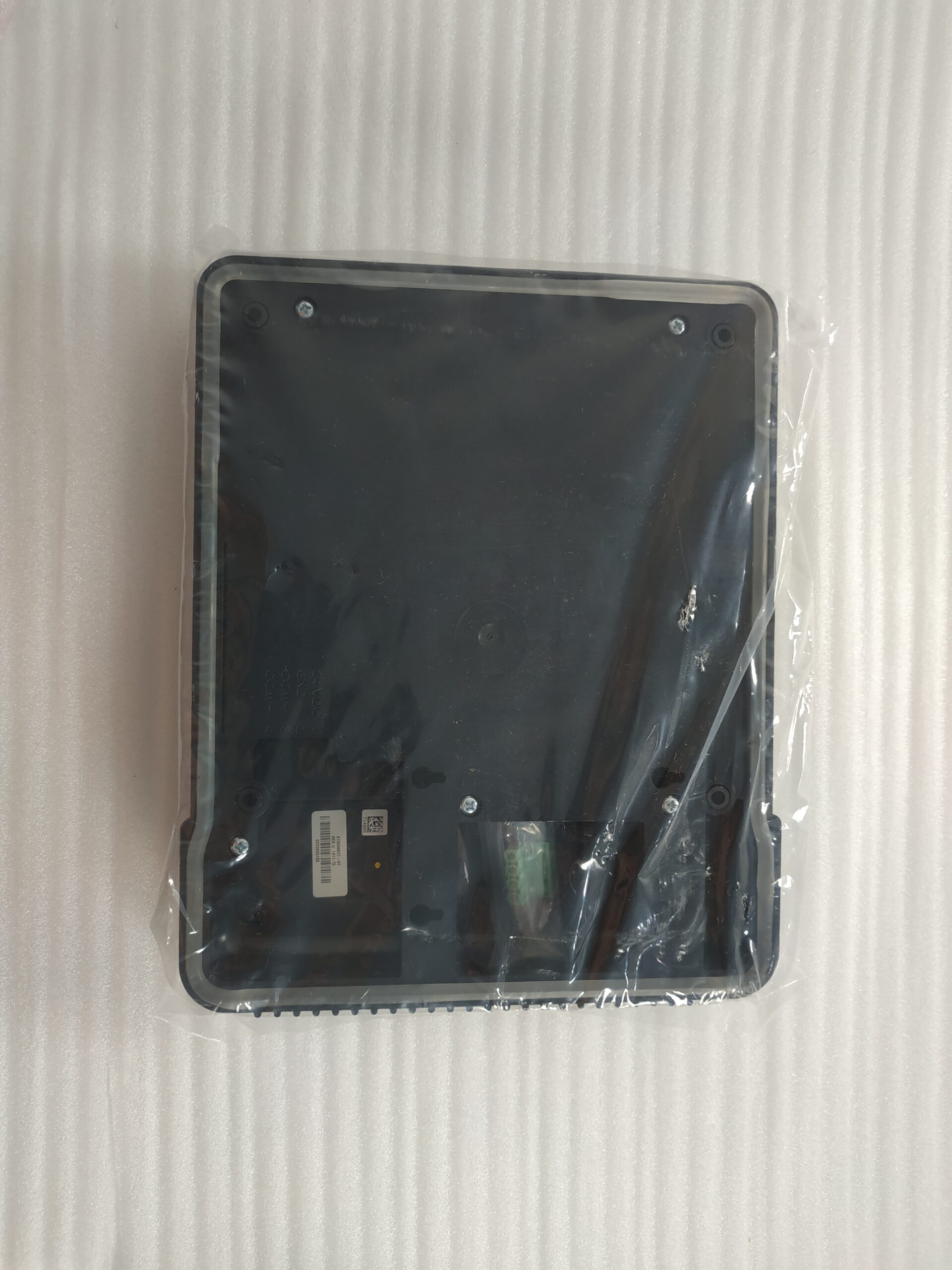
| Product Name | Trane CH530 MOD02092 LCD Control Panel / Display |
| Model | CH530 MOD02092 |
| Applicable Industries | Construction and Commercial |
| Application | Refrigeration compressor |
| Packaging | Cardboard Box |
| MOQ | 1 Piece |
Core Product Functions:
1.Unit Start/Stop and Mode Control
Local Start / Stop / Emergency Stop
Mode Switching: Cooling / Heating / Auto / Anti-freeze
Compressor Capacity Modulation (0–100%), Load Balancing, Start/Stop Sequencing
Real-time Data Monitoring (30+ Parameters)
Water Temperature: Inlet / Outlet / Evaporation / Condensation Temperatures, Temperature Differential
Refrigerant: Discharge / Suction Temperatures, High / Low Pressure, Oil Pressure, Oil Level
Electrical: 3-Phase Current, Voltage, Power, Operating Frequency, Energy Efficiency Ratio (COP)
Status: Operating Status of Compressor / Fan / Water Pump / Solenoid Valve / Guide Vanes
2. Parameter Settings and Configuration
Temperature Settings: Cooling / Heating / Anti-freeze Thresholds, Water Temperature Setpoints
Protection Parameters: High / Low Pressure, High Temperature, Overload, and Oil Pressure Differential Protection Values
Communication Configuration: LonTalk / Modbus / BACnet Addresses, Baud Rate
System Configuration: Unit Model, Number of Compressors, Capacity Limits, Scheduled Start/Stop
3. Fault Diagnosis and History Logs
Real-time Alarms: English Fault Codes + Text Descriptions (e.g., High Pressure, Low Oil Pressure)
Fault History: 500 Records, Including Timestamps, Fault Codes, and Operating Parameters
Maintenance Reminders: Notifications for Periodic Maintenance Cycles (e.g., Oil Filter Replacement, Refrigerant Inspection, Bearing Lubrication)
4. User Access and Security
Three-Tier Access: Operator / Technician / Administrator (Password Protected)
Operation Logs: Records of Key Operations (e.g., Parameter Modifications, Start/Stop Commands, Access Changes)
Error Prevention: Parameter Modification Confirmation, Emergency Stop Lockout, Protective Cover Tamper Prevention
Tags: building HVAC control chiller display panel chiller monitoring panel chiller operation panel chiller service component chiller spare part commercial chiller panel HVAC control panel hvac electronic component hvac replacement part industrial chiller control board industrial HVAC accessory MOD02092 refrigeration control panel refrigeration equipment control refrigeration system panel Trane CH530 Panel Trane chiller parts Trane control panel Trane HMI panel
Technical parameter
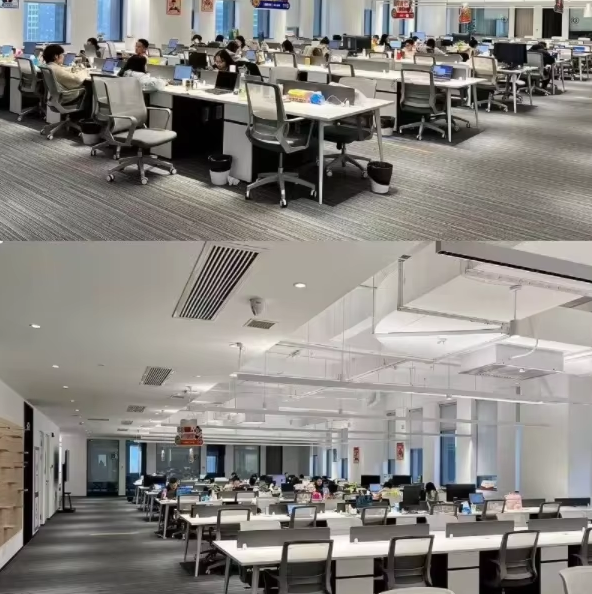
Company Profile
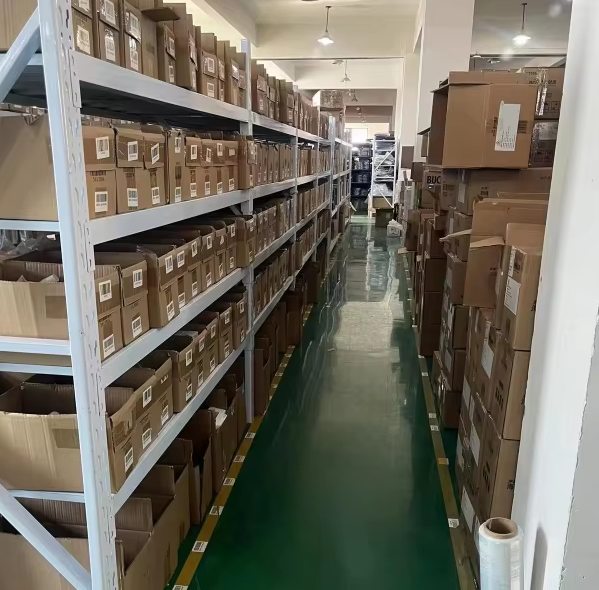
Technical parameter
| Q1:For refrigeration industry, which brands are your products covering? | A1:We produce filter element replacements for brands like,Bitzer, Carrier, York, McQuay, Trane, etc… |
| Q2:Does the price include freight? | A2:The quotation is usually the factory price. We can recommend the most economical logistics plan and calculate the freight according to your destination and quantity. |
| Q3:How to ensure product quality? | A3:We have a strict quality control process, and we will carry out multiple inspections before the products leave the factory to ensure that they meet the standards. |
| Q4:Why choose us? | A4:Product reliability: We are a professional manufacturer . can offer high-quality products at the most competitive prices. Technical support: We provide technical assistance. Industry experience: We have over 10 years of experience in the refrigeration equipment service field. After-sales service: We offer professional after-sales service. Team collaboration: We have a professional team that can provide you with prompt services and delivery schedules. |
Product Installation and Maintenance Guidelines
1. Installation
Location: Flush-mount installation on the electrical cabinet door; the protective cover should face outward to facilitate operation and visual inspection.
Wiring: Connect the LonTalk communication lines (positive/negative) and the +24VAC power supply lines. Ensure terminal connections are securely fastened and the cable shielding is properly grounded.
Programming: For new panels, the corresponding unit program must be downloaded using TechView software; otherwise, the panel will be inoperable.
Maintenance
Every 3 Months: Clean the screen and button surfaces; inspect the protective cover, wiring terminals, and communication status.
Every 6 Months: Test button functionality; check backlight brightness; back up system parameters.
In the Event of a Fault: First, troubleshoot the power supply, communication wiring, and software program; only then should the panel be replaced, to prevent secondary damage.